This is an old revision of the document!
Major Functional Modules
The One Health Knowledge Management System (OHKMS) provides a comprehensive set of functions to support the creation, organization, sharing, and use of knowledge across the One Health community. Its major functions include:
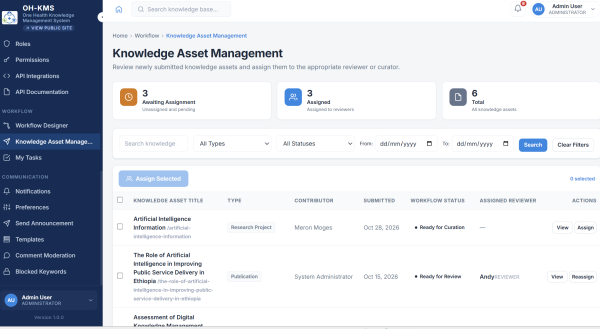
Knowledge Repository OHKMS stores and organizes knowledge assets such as research articles, reports, guidelines, policies, training materials, multimedia resources, and datasets in a centralized repository.
- Knowledge Submission – Enables authorized users to create, upload, and submit knowledge assets together with descriptive metadata for review and publication.
- Knowledge Review and Approval – Supports a structured workflow in which submitted knowledge assets are reviewed, revised where necessary, approved, and prepared for publication.
- Knowledge Curation – Organizes and maintains knowledge assets by assigning categories, keywords, and other metadata to improve consistency, quality, and discoverability.
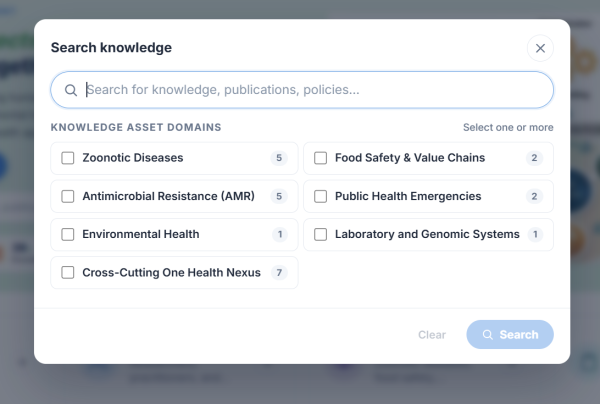
- Search and Discovery – Allows users to locate knowledge assets using keyword searches, advanced search options, knowledge domains, knowledge asset types, and search filters.
- Knowledge Access and Retrieval – Enables users to browse categories, view knowledge asset details, preview available resources, and download files according to their access permissions.
- User and Role Management – Controls access to the system through role-based permissions, ensuring that users can perform only the functions appropriate to their assigned responsibilities.
- Workflow Management – Tracks the progress of knowledge assets from submission through review, curation, approval, publication, and archival.
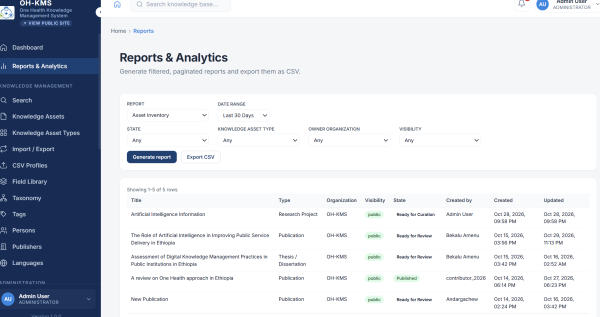
- Reporting and Monitoring – Provides reports and statistics to help monitor repository growth, user activity, submission status, and system utilization.
- System Administration – Supports the configuration, security, maintenance, and overall administration of the platform to ensure reliable and secure system operation.
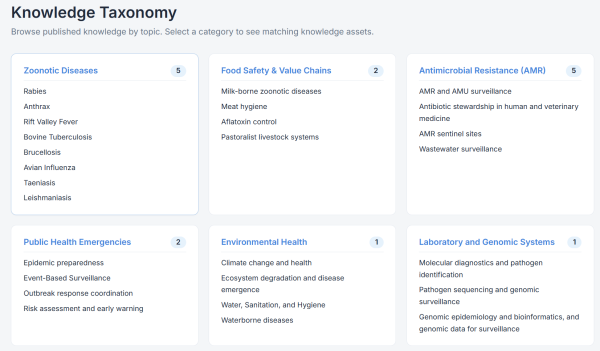
This section works well immediately after the System Overview chapter and before the detailed chapters describing each function in the user manual. It gives readers a concise overview of what the system can do without duplicating the detailed instructions found later in the manual. Knowledge Taxonomy
Knowledge Search
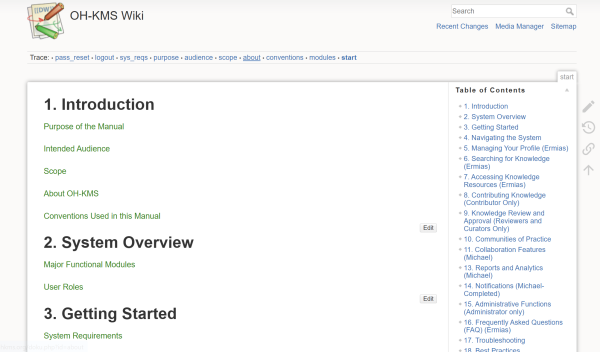
Documentation/User Manual
Expert Directory
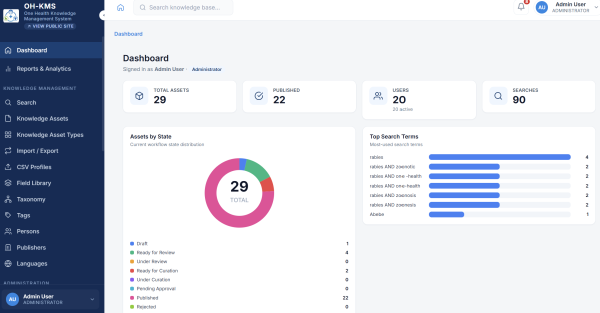
Dashboards
Reports
Administration