Table of Contents
Sharing a Knowledge Asset (KA)
Purpose
The Sharing feature enables users to distribute published Knowledge Assets (KAs) through professional networks, social media, and messaging platforms, promoting wider access to One Health knowledge and information.

Steps to Share a Knowledge Asset
- Locate the Knowledge Asset you wish to share and click View Asset.
- Navigate to the sharing icons at the bottom of the Knowledge Asset.
- Select your preferred sharing option:
- Copy Link: Copy the asset's URL to share via email or other communication channels.
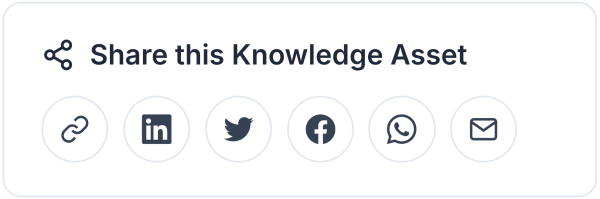
- LinkedIn: Share the asset with professional networks.

- Facebook or Twitter/X: Share the asset with a wider audience.



- WhatsApp: Share the asset directly with individuals or groups.

- Email: To directly send the asset link to colleagues, stakeholders, or decision-makers.
