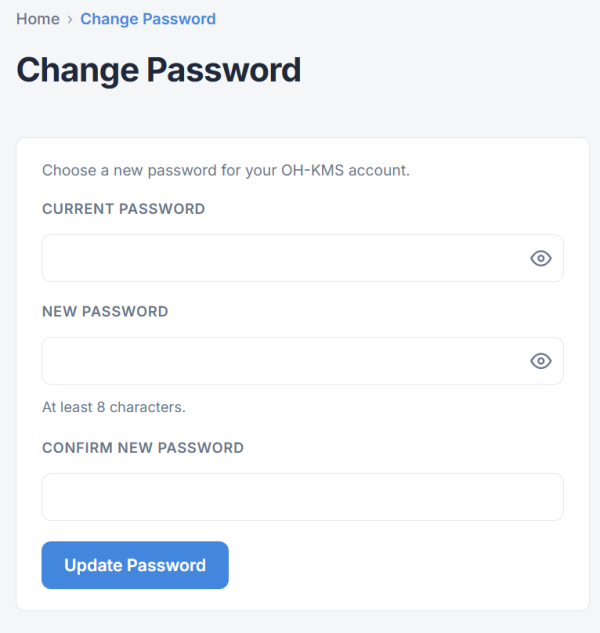
Resetting Password
To Reset Your Password:
- Sign in to the system.
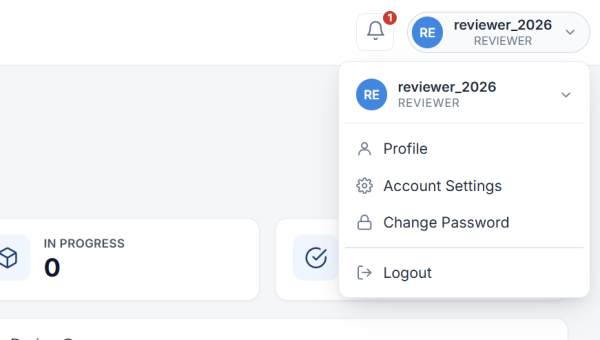
- Click on your Profile icon in the upper-right corner.
- Select Change Password.
- Enter your current password twice.
- Enter your new password twice.
- Click Update Password to save the changes.